Use textures to make your designs look real
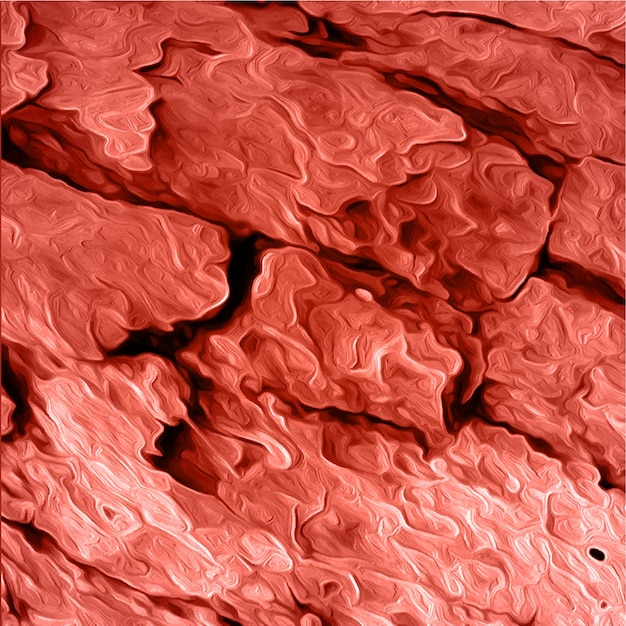
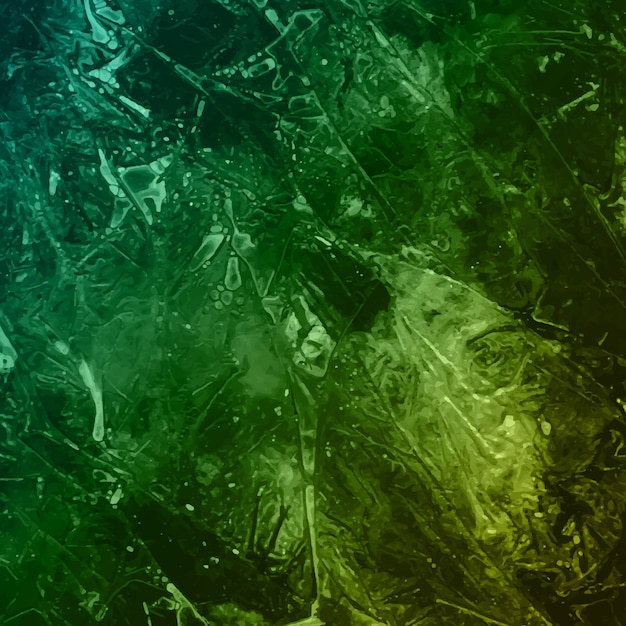
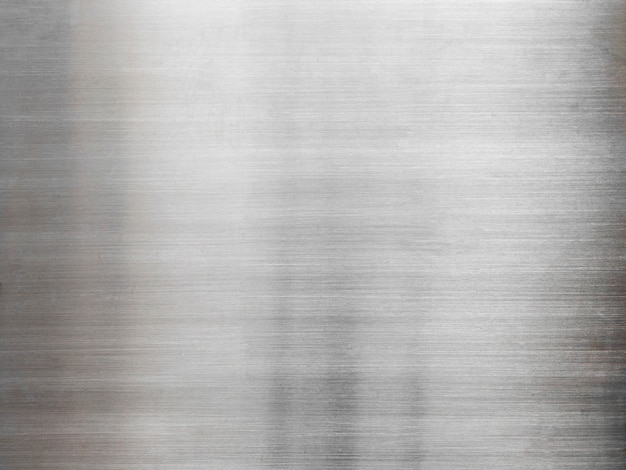
Let’s say you have an illustration, a 3D render, or just an image of something. You’re happy with the result, yet you think it’s missing something. Textures might be the answer, as they give any object an appearance closer to real life. For example, they can make metal objects look genuinely metallic or wooden planks appear as if they can be broken.
Enhance the visual experience using this variety of textures to bring touch and feel to your designs






Material





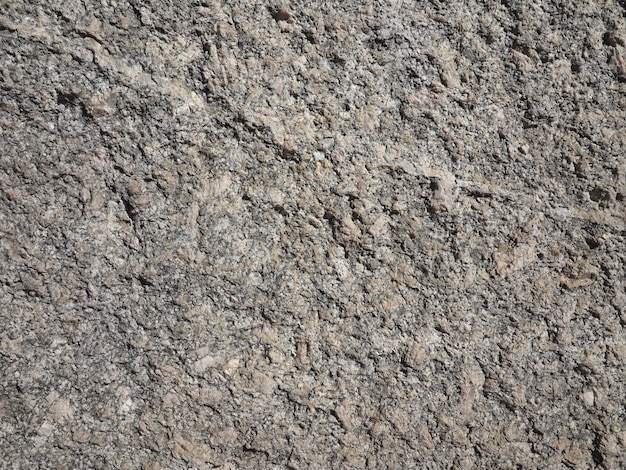
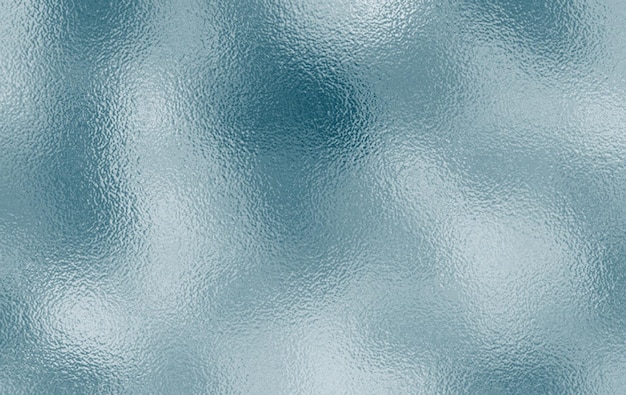
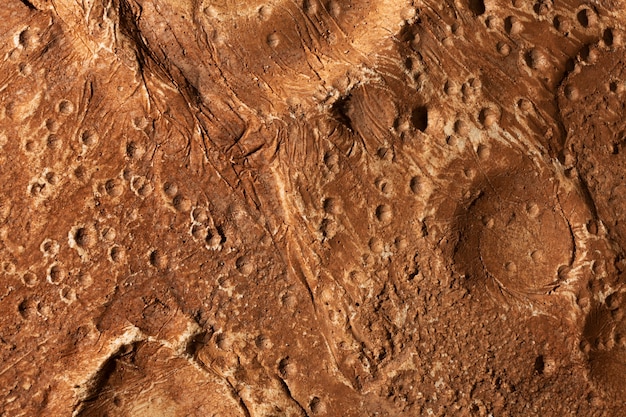
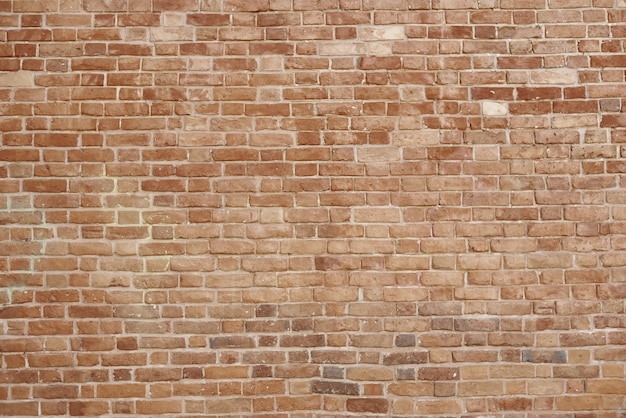









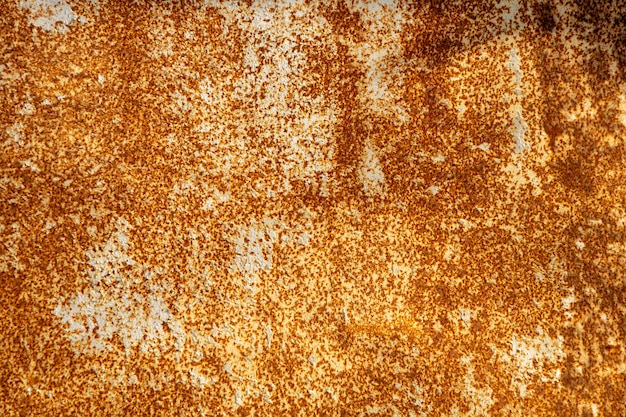



Make your illustrations stand out with decorative textures
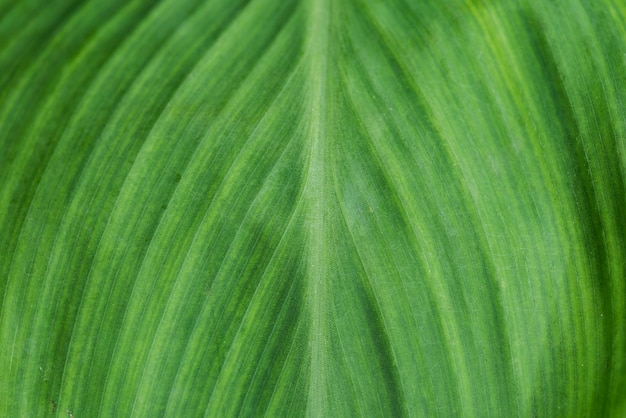
The presence of a texture can do wonders, especially when used in illustrations, as it gives them an interesting visual effect. They can make them look more realistic, contributing to the final image's impact. Also, patterns can stand out even more with textures, which is a good combination.

Get nice textures for photo retouching and make a difference
The use of texture in photography is one of the most basic yet impactful things that make a difference. Adding textures to a photo in Photoshop or other software can even transform the elements to appear as if they were made of different materials. For this reason, add them to your repertoire when it comes to photo retouching.

Use them in conjunction with different kinds of templates
If you convey a clear, understandable message and include other elements, your postcard, banner, or poster will accomplish its purpose. To go the extra mile, using textures as a decoration is also a good idea. It allows you to showcase your creativity.
FAQ
In terms of photo or image composition, texture is the perception the viewer has of the represented objects in the sense that they have a believable appearance. Background texture is an image of a textured surface applied to your photo or image as an overlay to add depth or change the viewer's perception.
You can download different textures in both vector and raster file formats on Freepik. We even have a specific category for texture types.
Textures create a tactile experience in images. There are four types of texture in art: Actual, which refers to the physical touch of a piece of art; Simulated, which attempts to simulate that touch without actually conveying it physically; Abstract, which simplifies the perception of texture; and Invented, which creates a representation of texture that doesn't exist in real life.
You can download 3D textures, which offer a three-dimensional appearance, in both vector and raster graphics formats on Freepik. We even have a specific category of textures and their types.
Related articles

Get to know the coquette aesthetic trend
Read about the captivating world of the coquette aesthetic. Uncover the origins, discover key motifs, and find inspiration to give a touch of coquetry into your own style.

Neon colors: How to illuminate your designs in vibrant hues
Explore the vibrant world of neon colors and learn how they can add a pop of energy to your life. Discover the power of neon hues in design and fashion!

Monochromatic colors in graphic design
Discover all the tips about how to use monochromatic colors in graphic design and create the best aesthetic projects.